

2026-08-03 · 8 min read
Multiboard parts explained in plain English
Multiboard has a lot of parts with a lot of names. Snaps, threads, T-bolts, Fix-Points, Multibins, popins. New users say the same thing: it is overwhelming. Even fans admit there are about five ways to do everything.
Here is the decoder. Ten minutes with this page and the whole system makes sense.
The big picture: three subsystems
Multiboard, also called Multibuild, is really three systems that click together. Jonathan Kobylanski of Keep Making designed them to work alone or together.
| Subsystem | What it is | What it does |
|---|---|---|
| Multiboard tiles | The wall panels full of holes | The surface everything mounts to |
| Multibin | Bins, inserts, and drawers | The storage that hangs on the wall or sits on a desk |
| Fix-Points (once called Multipoints) | Small connectors, rails, and plates | The glue that attaches anything to anything |
The whole system is built on one number: 12.5 mm. Almost every size in Multiboard is that number multiplied or divided. Holes sit 25 mm apart. Bin cells are 50 mm. Once you see the pattern, sizes stop being scary.
The holes: every single one is threaded
A Multiboard tile has three hole sizes, and all of them have threads inside:
- Small holes are pegboard size. They take pegboard-style hooks and small printed bolts.
- Mid holes are the in-between spots. They take mid bolts, handy for pulling snaps out.
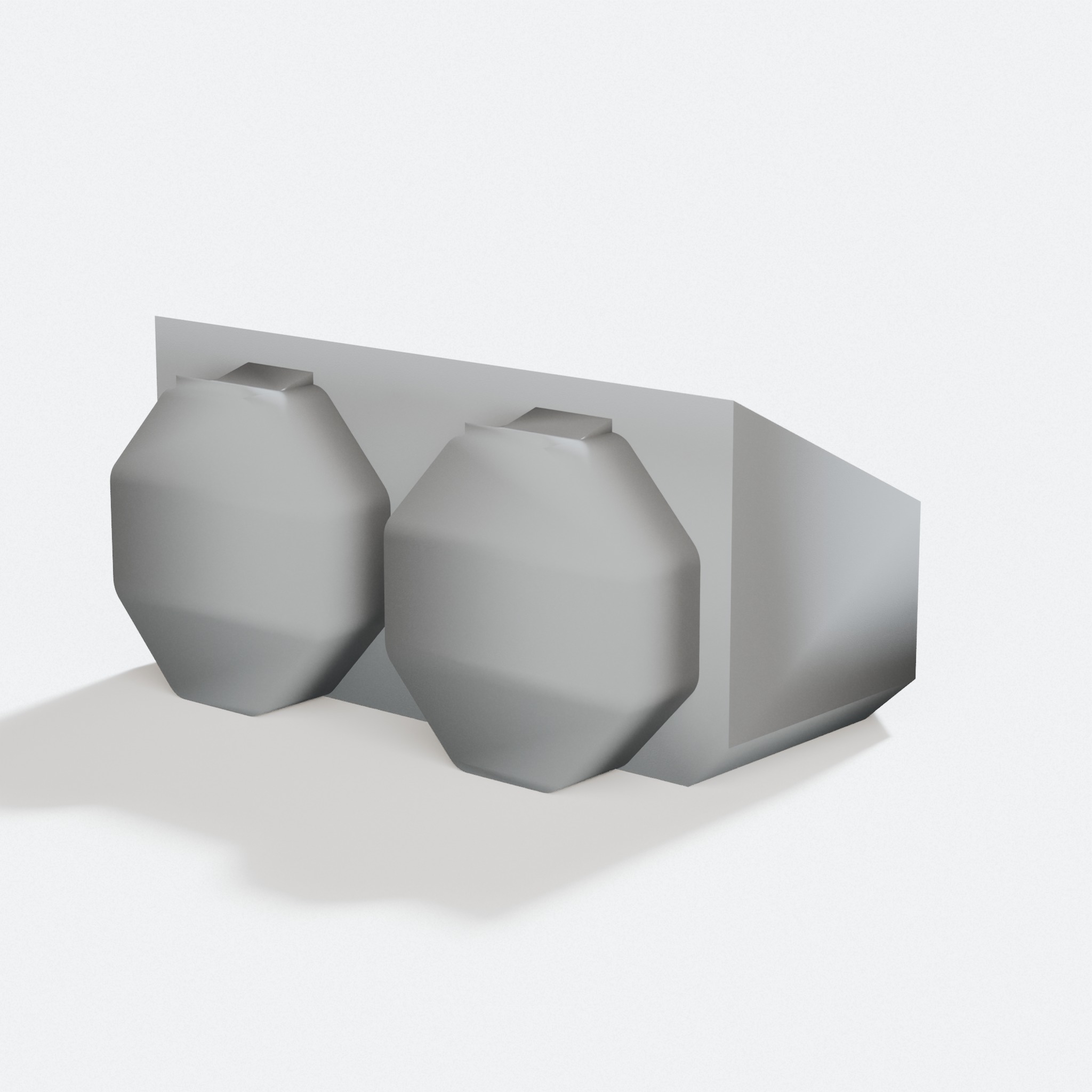
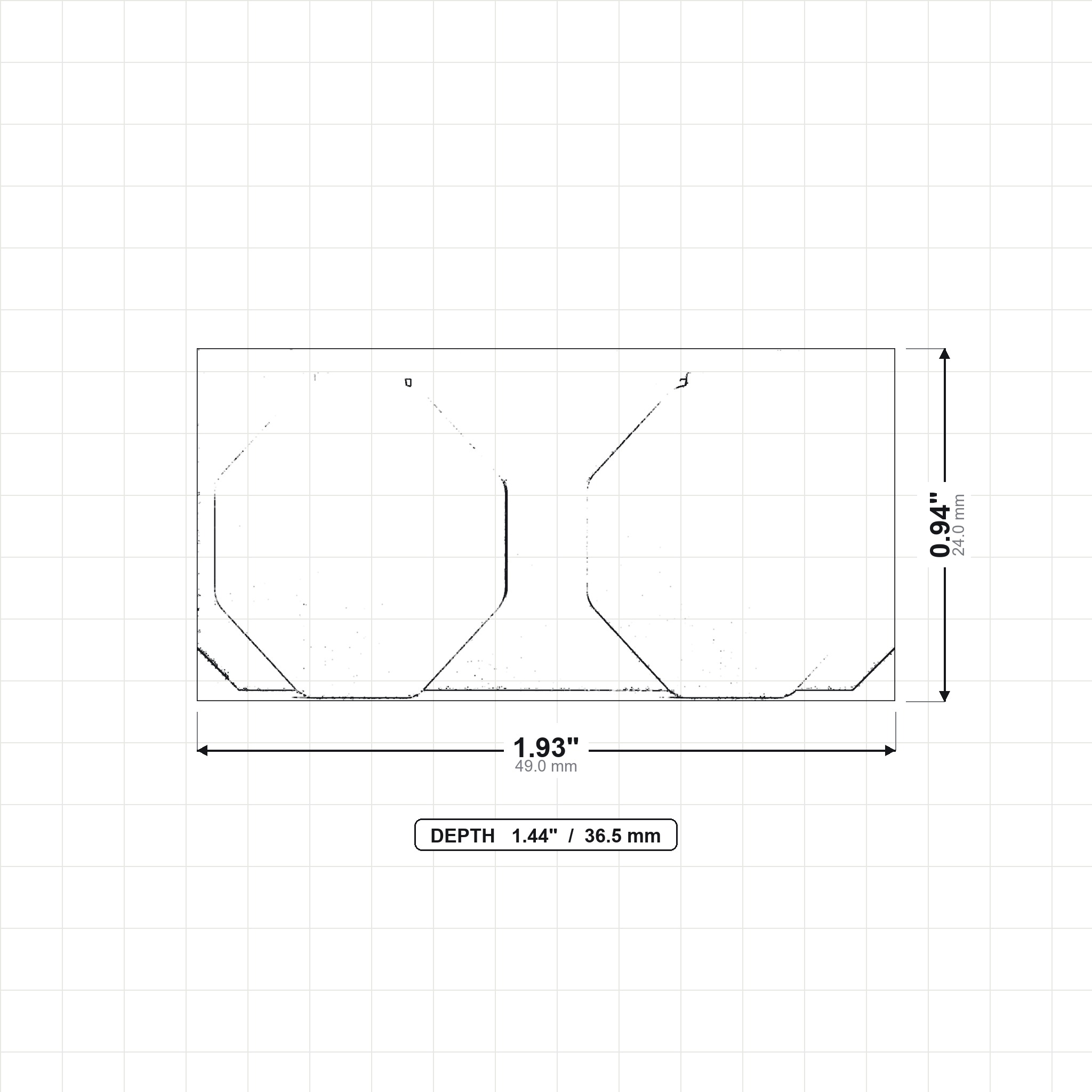
- Large holes are the big octagon sockets. They take snaps and large printed bolts.
Threads are the quiet superpower. A printed bolt screwed into the board is stronger than any click-in part. When makers hang drills and batteries, the mounts that survive use threads.
Snaps: the click-in connectors
Snaps click into the large holes. There are three, and the names tell you the job:
| Snap | How to spot it | Use it for |
|---|---|---|
| Normal snap | Plain face | Light stuff. Small hooks, covers, trim |
| Weight-bearing snap | One arrow on the face | Real loads. Arrow points up, load pulls against it |
| Hook snap | Folded hook shape | The heavy stuff. Needs an offset-mounted board |
Two rules save beginners grief. First, the arrow on a weight-bearing snap points up, always. Second, a snap is only as strong as its direction, so heavy things want hook snaps or threads.
Bolts and T-bolts: why the flat ones are stronger
Printed bolts come in normal and T shapes. The T versions print lying down, so the plastic layers run the long way through the bolt. That makes them much harder to snap. Makers have loaded T-bolts to about 175 pounds before failure. The rule of thumb: if it carries weight, use the T version, and always test your own prints before trusting them.
Bolt locking is the trick of putting a bolt through an accessory into a snap, locking the two together. You tighten it with a coin. That is the standard way to build a shelf: brackets, snaps, locking bolts, done.
Part A and Part B: how tiles join
Tiles connect with two-part snaps. Part A goes against the wall. The tile clicks onto it. Part B caps the front. Each Part B and each tile hole has a tiny square mark. Line the squares up, because the cap carries a thread inside and the direction matters.
This two-part design is why a Multiboard wall can come off without unscrewing anything. Pop the front caps with the removal tool and the panels lift away. The wall mounts stay behind, ready for the board to go back up. The step-by-step is in our mounting guide.
Multibin: a bin is two parts
A Multibin is a shell plus an insert. The shell is the outside. It carries all the connection points. The insert drops inside and gives the bin its job. A bin insert makes it a bin. A pen insert makes it a pen pot. Swap the insert and the same shell becomes something new.
Sizes are counted in 50 mm cells. A 1x1x1 bin is one cell wide, deep, and tall, about 55 mm with its base. Sizes run up to 4x4x4. Inserts stay put with a pin or a small magnet held in a fold-over pocket with no glue.
Bins take dividers, label holders, stacking extensions, and lids. They also become drawers: shells joined side by side make the frame, and drawer boxes slide in with printed stoppers so they cannot fall out.
Fix-Points: attach anything anywhere
Fix-Points are the connector family, the parts once called Multipoints. The pieces you meet first:
- Points: small threaded connectors that bins and accessories click onto.
- Rails: long strips that act like a track. Sliding accessories move along them, with entry points every 50 mm.
- Popins: tiny parts that push into bin shell walls to add a hook point, a bolt point, or a bin-to-bin connection.
- Plates: flat panels covered in connection points. Screw one under a desk and hang drawers from it.
If that still sounds like a lot, here is the honest shortcut: you can build a great wall with just tiles, snaps, hooks, and a shelf or two. Fix-Points are there when you want drawers under a desk or bins that click together. You do not need them on day one. And our part builder makes Multiconnect rails cut to your length today.
The cheat sheet
| You want to | Use |
|---|---|
| Hang a light hand tool | Pegboard hook in a small hole |
| Hang something with real weight | Weight-bearing snap, arrow up |
| Hang a drill or battery | Threaded mount, large thread up top |
| Build a shelf | Brackets plus snaps plus T locking bolts |
| Add a bin to the wall | Multibin shell plus a point or rail |
| Put drawers under a desk | Connector plate plus shells plus drawers |
| Take the whole wall down | Part B removal tool, screws stay put |
FAQ
Do I need all three subsystems to start?
No. Tiles, snaps, and hooks make a complete wall. Add Multibins and Fix-Points when you want them.
What do the arrows on parts mean?
Strongest direction. On snaps the arrow points up so the load pulls against it. Some tiles mark strong directions too.
Why did my part fit too tight or too loose?
Multiboard is designed around a 0.25 mm printing tolerance. Official parts ship in tight, standard, and loose versions. Well-calibrated printing solves most of it, which is a fair reason to buy parts printed.
Are magnets glued in?
No. Magnets sit in fold-over printed pockets. They come out later with a screwdriver if you change your mind.
Can I design my own parts for it?
Yes. Remixing is allowed and encouraged, and official parts come with files made for remixing. Selling original Multiboard parts is controlled by the Keep Making license.
Watch more
The official learning packs from Keep Making are the best deep dive.
Want something printed?
Browse the shop or upload your own file for a price in seconds.